
Why a contractor website has to work on a phone first

A homeowner’s water heater just died. They are standing in the garage with a phone in one hand, and they search for someone local. They tap on your site, and the text is tiny, the phone number is a picture, and the page takes forever to load.
They hit back and call the next name on the list. You never knew they were there.
That is what a site built for a desktop does to a business that works from trucks. This post shows why your phone version is the real one, and four quick tests to run tonight.
Why does your website have to work on a phone first?
Think about where your customers are when they need you. Often they are away from a desk, in a hurry and worried about something in their home. A phone is what they have in their hand.
There is a second reason. Google says it uses the mobile version of a site’s content for indexing and ranking. So the phone version of your site is not a side view of the real thing. For Google, it is the real thing.
If you built your site on a big monitor and only glance at it there, you may never have seen what a visitor on a phone sees.
How do you tell if your site is mobile friendly?
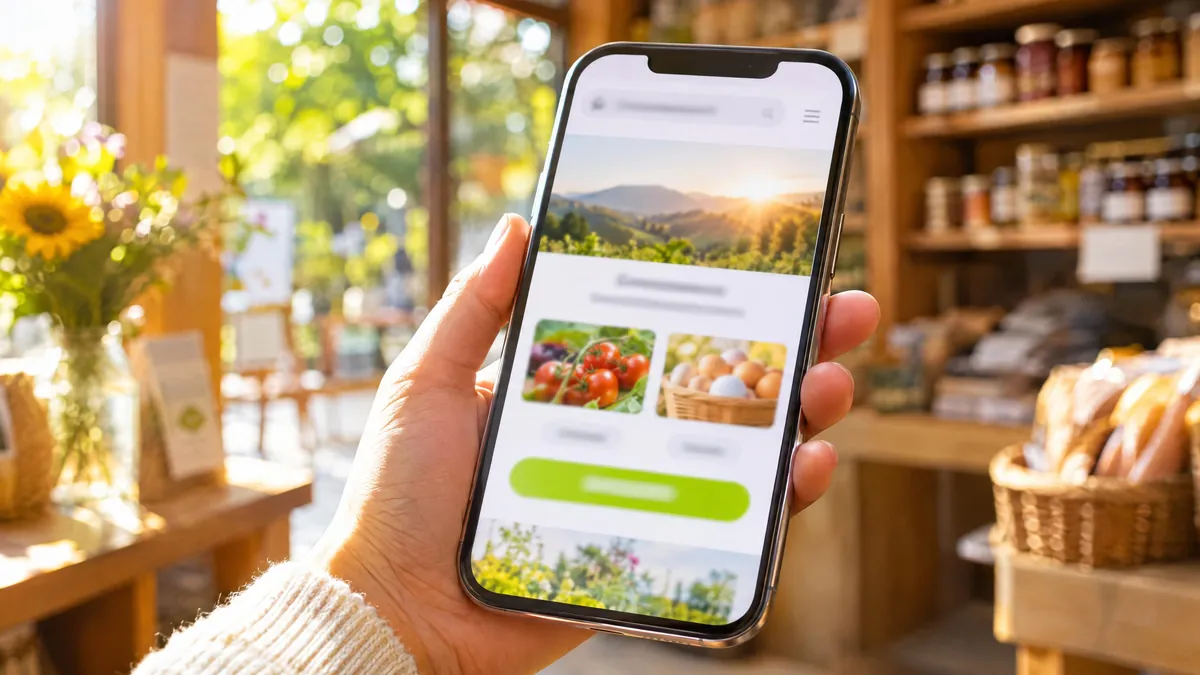
Do not trust a checklist. Pick up your own phone and be a customer for two minutes.
Can you read it without zooming?
Open your homepage. If you have to pinch the screen to read your services, the text is too small or the layout is squeezed in. A visitor in a hurry will not pinch. They will leave.
Can you call with one tap?
Find your phone number. Tap it. Your phone should offer to call right away. If the number is part of an image, or it is plain text that does nothing, you are making people do extra work to give you money.
Can you finish the form with your thumbs?
Try your contact form. Are the boxes big enough? Does the keyboard cover the field you are typing in? Does the button work? Fill it out and send it to yourself, then check that it arrived.
Does it load quickly on cellular?
Turn off Wi-Fi and open your site on mobile data. Notice how long it takes before you can read something and tap something. Slow pages lose people before they see a single word of what you do.
What counts as fast enough?
Google publishes simple targets for page experience. Its web.dev guide to Web Vitals says the main content should show up within 2.5 seconds, the page should respond to a tap within 200 milliseconds, and things should not jump around while loading (a layout shift score of 0.1 or less).
You do not have to measure these yourself. Ask whoever built your site whether it meets them, and ask them to show you. The usual culprits for a slow site are huge photos and too many add-ons. A designer can fix both.
What should a phone visitor see first?
Three things, without scrolling: what you do, where you work and a way to call. That is it. Photos, awards and long stories can follow.
Put the call button where a thumb can reach it, and keep it visible as people scroll if you can. The faster someone can reach you, the less likely they are to try the next company. That is the same reason speed matters after the call, which we cover in how fast to respond to a new lead.
A good phone site also has to match your Google profile. Same name, same number, same service area. If you have not looked at that lately, our guide on Google Business Profile and local ranking is a good place to start.
What about missed calls after someone taps?
A site that works on a phone brings you more calls, which makes the next problem more visible: calls you cannot answer on the job. Each missed call is a customer who may keep dialing. If that happens a lot, look at the cost of missed calls for home service businesses, or try the Leak Calculator to see what it may be costing you.
What should you do tonight?
Pick up your phone tonight and open your own site on mobile data, then run the four tests above. Write down anything that annoys you. That list is your to-do list for a designer or for yourself.
If the list is long, the site may need more than a patch. Our post on whether your small business website needs a redesign can help you decide. And if you want a second opinion, book a free website review with us and we will look at it on a phone together.
Frequently asked questions
How can I tell if my website is mobile friendly?
Open it on your own phone and try to do what a customer would do. Read the text without zooming, tap the phone number, and fill out the form with your thumb. If any of that is a struggle, the site is not working for phone users.
What is the 3 second rule in website design?
It is a common rule of thumb that visitors give up on a page that is slow to appear. Treat it as a reminder to keep pages quick. Google's own published targets are in its Web Vitals guide.
What role does mobile optimization play in local SEO?
Google uses the mobile version of your content for indexing and ranking, so a weak phone experience can hold back the pages you want found. It also affects whether a nearby customer stays long enough to call you.
More booked appointments. More revenue.
We build the automation that gently turns your website visitors and leads into booked appointments. No chasing, no hard sell. You just show up to more jobs.
Get My Free Booking Plan →